Help is built into the app. The Help page gathers guides, feedback and a way to talk to the team; the top bar keeps notifications and announcements one click away; and support is an email away at support@eloquens.ai.
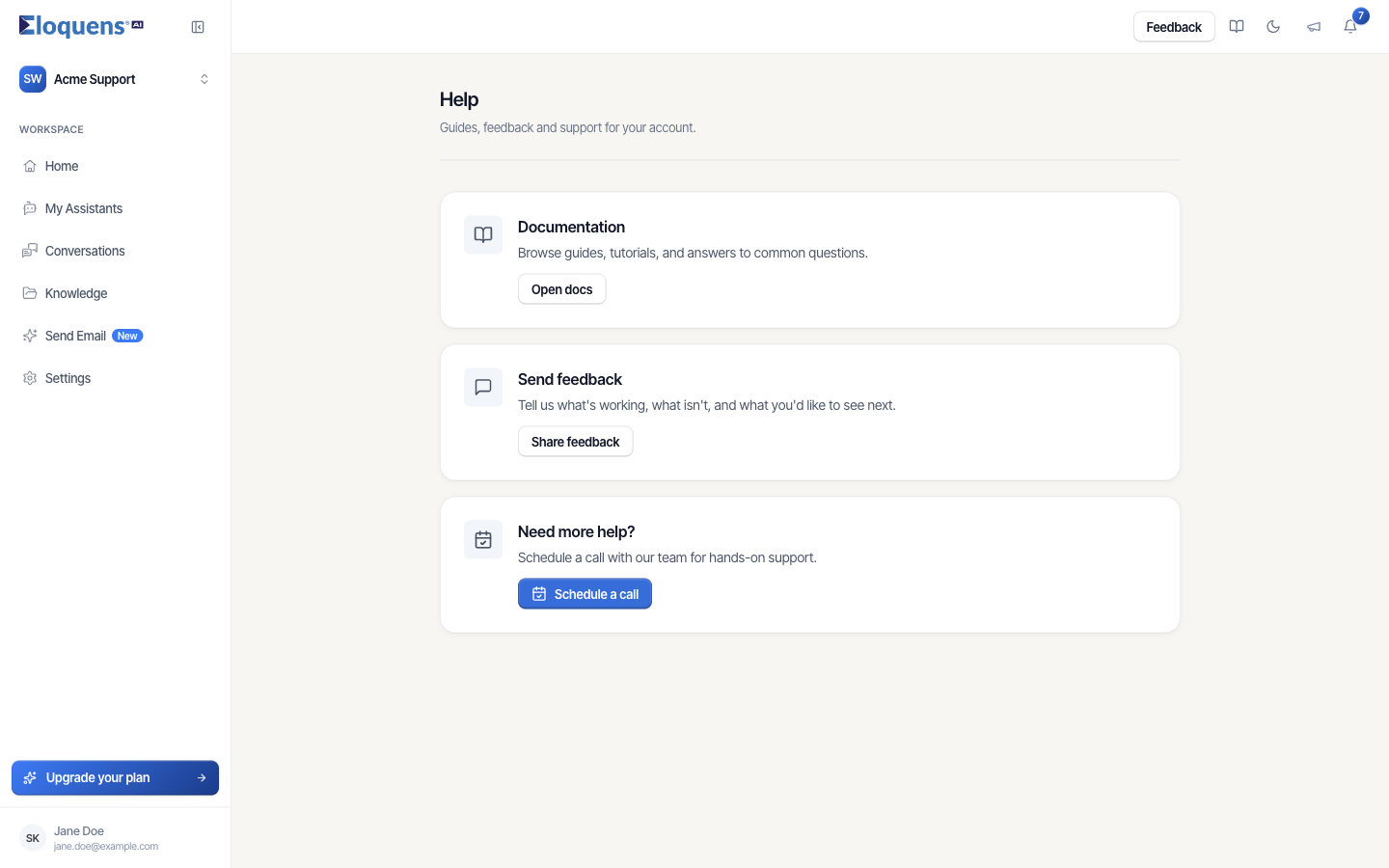
Open the Help page
- Click your account chip at the bottom of the left rail and choose Help. (Profile and Logout are in the same menu.)
- Pick a card:
- Documentation → Open docs opens this help centre in a new tab.
- Send feedback → Share feedback opens a short form. Give a rating, tell us what is working and what is not, and submit. You will see Thank you for your feedback!
- Need more help? → Schedule a call books time with our team, when that option is shown for your account.
Use the top bar
The icons at the top right are available on every page:
- Feedback opens the same feedback form as the Help page.
- Documentation (the book icon) opens the help centre.
- The moon icon switches between light and dark mode.
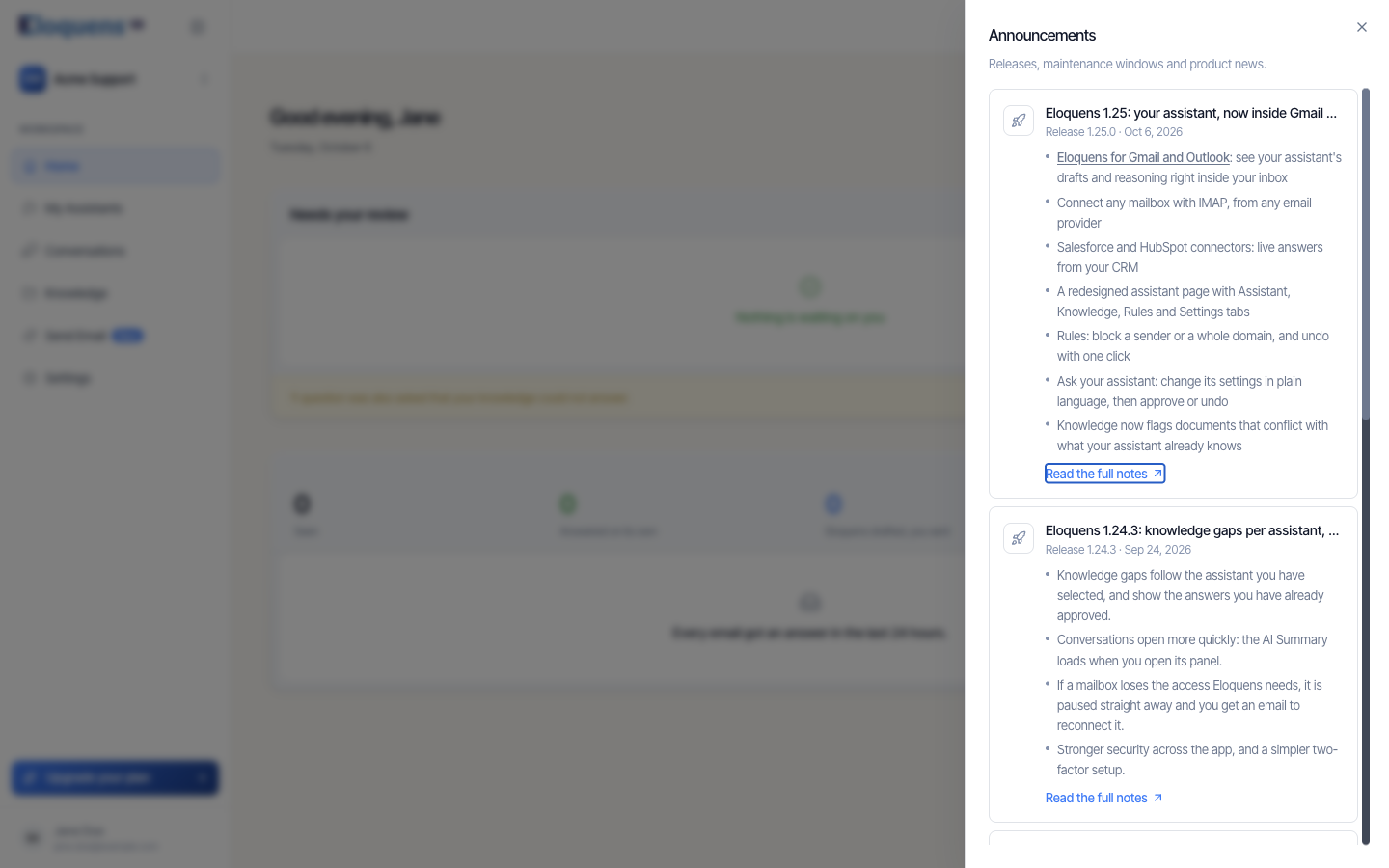
- Announcements (the megaphone) opens a panel of releases, maintenance windows and product news, newest first. Each entry has a Read the full notes link. A dot on the icon means there is something you have not read yet.
- Notifications (the bell) lists the drafts waiting for review, with a count of unread items, and lets you switch between Your drafts and All drafts.
After a major release, a What's new card also appears the next time you sign in. Click Got it to close it.
Contact support
Email support@eloquens.ai. Include the workspace name and, if it concerns a specific email, the date and the sender so we can find the conversation. Because your mail is processed in a sealed environment, support cannot open a message unless you approve the request; if we need to, we will ask and you can approve it from Profile with your authenticator code.
Good to know
- Release notes for every version are linked from each announcement.
- Your Profile page is where you change your name, password, authenticator app and privacy settings, and where you review any support access requests.
Related articles
- What is Eloquens AI?
- Sign in and create your account
- Workspaces and members
- Support access requests
Soma Konate
Comments