Show me around is a short guided tour of where things are in Eloquens. It points at the real screens, one step at a time, and explains what each one is for. It takes about two minutes, you can skip it at any step, and you can run it again whenever you like.
How the tour starts
The tour starts by itself once, the first time you reach the app after setting up (or after you accept an invitation to a workspace). The first step reads A two-minute look at Eloquens. If you leave before it begins properly, for example because you were taken to another page first, it is offered again the next time.
Start it again
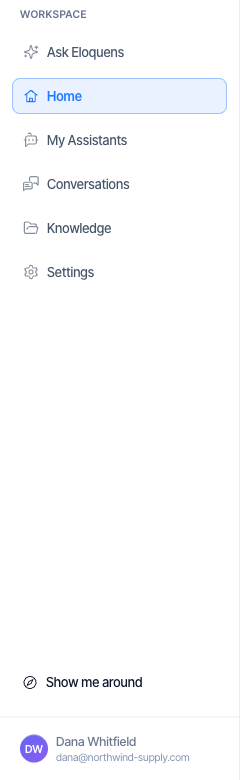
- Click Show me around at the bottom of the left rail, just above your name.
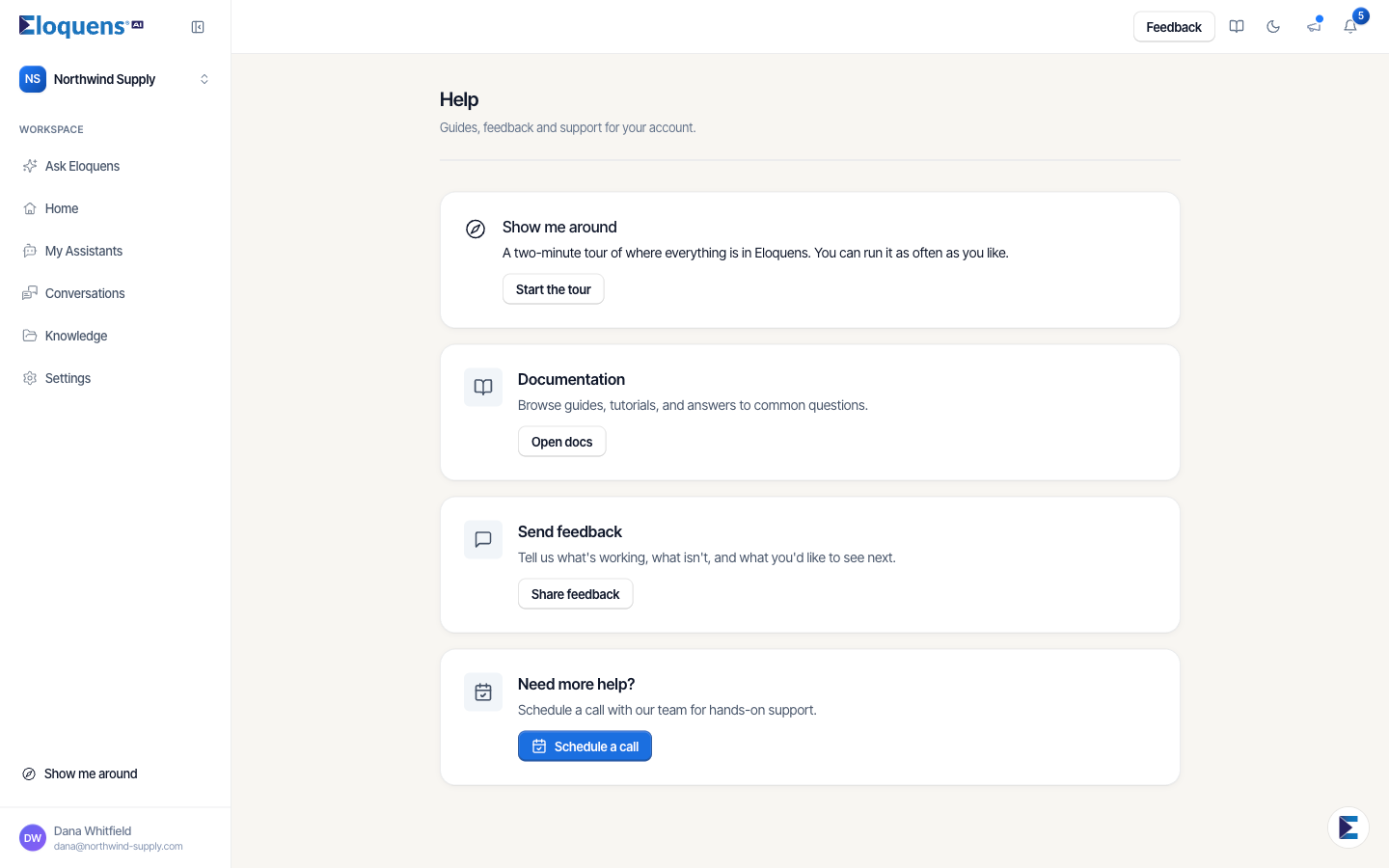
- Or open Help from the menu at the bottom of the left rail and click Start the tour on the Show me around card: A two-minute tour of where everything is in Eloquens. You can run it as often as you like.
- On a phone, open the menu and choose Show me around, or use the Help page.
Move through the tour
- Click Next to go on and Back to go back. The step counter shows where you are, for example 3 of 14.
- Click Skip section to jump past the part you are in, Skip to leave the tour, or Close the tour at any time.
- Some steps ask you to click the thing they are pointing at, or to press a button such as Go to My Assistants. The tour moves to the next page for you.
- At the end, Done closes the tour. The last step is That is the tour.
What the tour shows
- Home. Where drafts waiting for you appear, and what happened to your email: Seen, Answered on its own, Eloquens drafted, you sent and Ignored; the ignored emails you can fix; files that may disagree with your knowledge; and answers waiting for your approval. While Eloquens is catching up on your recent email, a step explains that too.
- A draft. How to open a draft, what What Eloquens did tells you, Ask about this email, and what you can do with the draft: send it, edit it or delete it.
- My Assistants. Your assistant, how it replies, its four rule lists (Don't reply to, Show me first, Bring in a person, How to write), what it reads, and how to change it by asking.
- Conversations. The list of threads, the two ways to read them, the whole thread, and Summarize.
- Knowledge. What your assistant reads, how to test it with a question, what needs you, and Add knowledge.
- Settings. Mailboxes, signatures and members.
- Ask Eloquens. Where you talk to your assistant and where you write a new email, and the shortcut that opens it from any page.
Examples in the tour
If you do not have any real drafts, conversations or knowledge yet, the tour shows sample ones so there is something to point at. They carry an Example tag, for example This is an example draft, not your email. Nothing is sent, saved or deleted when you press something on an example, and the examples go away when the tour ends.
Good to know
- Steps for something that is not available to you, or not switched on in your workspace, are left out.
- The tour does not change your settings and does not send anything.
Related articles
- What is Eloquens AI?
- Your Home page
- Getting help
- Ask Eloquens: one chat for questions, changes and new emails
Soma Konate
Comments